How to Take Better Food Photos for Your Restaurant (Phone Camera Guide)
Learn how to take professional-looking food photos using just your phone. 7 practical tips on lighting, angles, composition, and styling that any restaurant owner can use today.
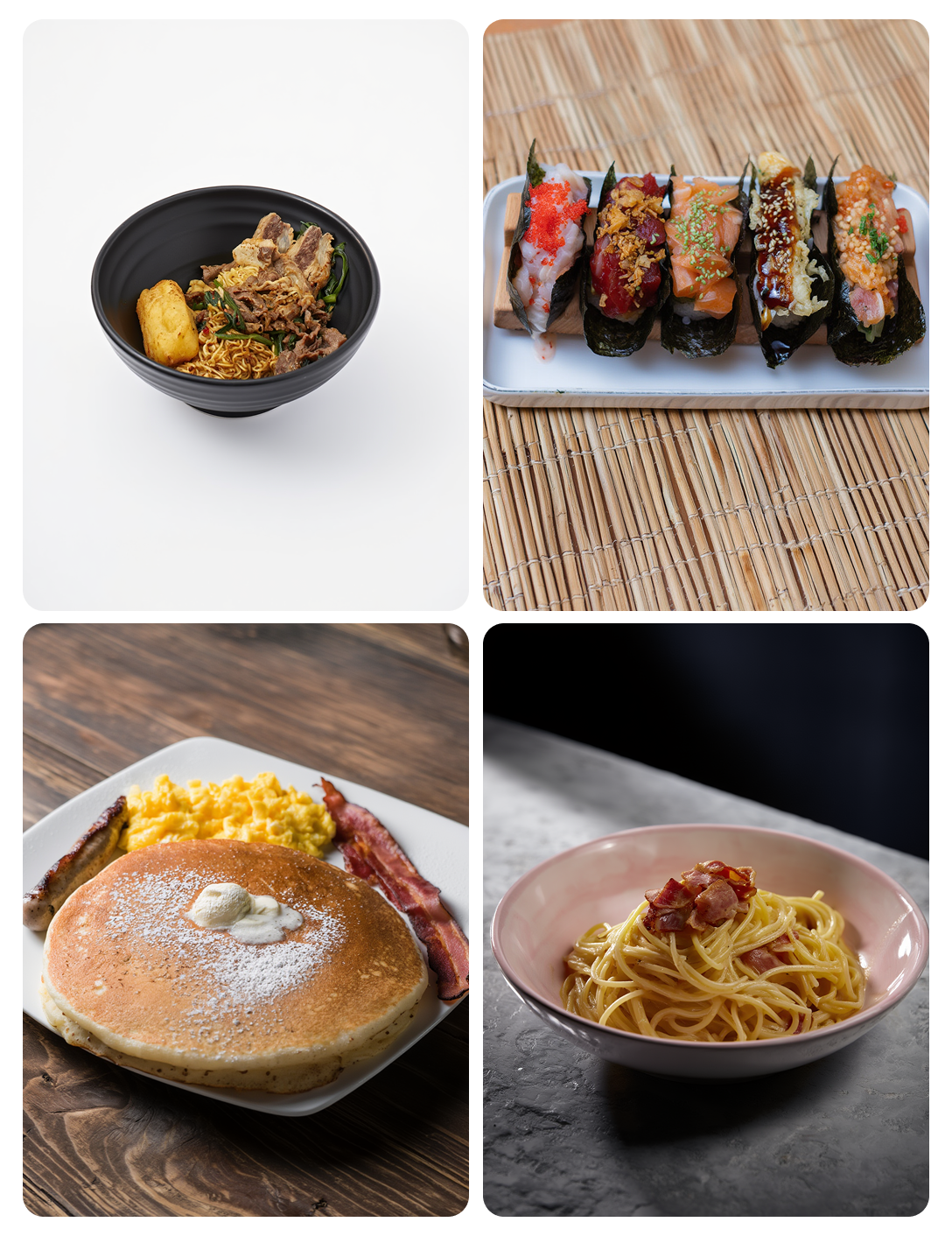
Why Food Photos Matter for Restaurants
In the age of food delivery apps and social media, your food photos are often the first impression a customer has of your restaurant. Studies show that menu items with high-quality photos receive up to 30% more orders on platforms like UberEats and DoorDash. Yet most restaurant owners still rely on hastily taken phone photos with poor lighting and cluttered backgrounds.
The good news is that you don't need a professional photographer or expensive equipment to dramatically improve your food photography. With the right techniques and a smartphone, you can capture images that make your dishes look as appetizing as they taste.
7 Tips for Better Restaurant Food Photography
1. Use Natural Light Whenever Possible
Natural light is the single most important factor in food photography. Place your dish near a window with indirect sunlight — direct sunlight creates harsh shadows and washes out colors. The soft, diffused light from a window makes food look vibrant and appetizing.
If you're shooting in the evening or in a windowless kitchen, avoid using your phone's flash. Instead, use a well-lit area with warm overhead lighting. Cool fluorescent lights can give food an unappetizing blue-green tint.
2. Shoot From the Right Angle
Different dishes look best from different angles:
- Overhead (flat lay): Best for flat dishes like pizza, salads, grain bowls, and charcuterie boards
- 45-degree angle: The most versatile angle, works well for burgers, pasta, sandwiches, and plated entrees
- Straight on (eye level): Ideal for tall dishes like stacked burgers, layered desserts, and drinks
3. Keep the Background Clean and Simple
A cluttered background distracts from the food. Use a clean surface — a solid-colored table, a wooden cutting board, or a simple cloth napkin. Dark backgrounds (black, dark wood) create a dramatic, upscale feel, while white or marble backgrounds feel fresh and modern.
4. Style the Plate Before Shooting
Take 30 seconds to wipe any sauce drips from the plate rim, arrange garnishes intentionally, and ensure the dish's best features face the camera. Small details like a sprinkle of fresh herbs, a drizzle of sauce, or scattered sesame seeds add visual interest.
5. Don't Zoom — Move Closer
Digital zoom on phones degrades image quality. Instead of zooming, physically move your phone closer to the dish. For detail shots, most modern phones have a portrait or macro mode that creates a professional-looking shallow depth of field.
6. Shoot Quickly
Food looks best in the first 1-2 minutes after plating. Steam dissipates, sauces congeal, ice melts, and greens wilt. Have your setup ready before the dish arrives, and take multiple shots quickly.
7. Edit Lightly
A quick edit can make a big difference. Increase brightness slightly, boost contrast and saturation just a touch, and crop to remove distracting elements. Most phone photo editors have an "auto-enhance" feature that works surprisingly well for food photos.
Going Beyond Phone Photos with AI
Even with these tips, there's a gap between a good phone photo and a true professional studio shot. This is where AI food photo enhancement comes in. Tools like RestoPhoto can take your improved phone photos and transform them into studio-quality images with professional lighting, clean backgrounds, and consistent styling — all in seconds.
The combination of better photography habits and AI enhancement means any restaurant can have menu-ready images without the cost of hiring a professional food photographer for every menu change.
Key Takeaways
- Natural lighting near a window is your best friend
- Choose your angle based on the dish type
- Keep backgrounds clean and simple
- Style the plate and shoot quickly before the food settles
- Use AI tools like RestoPhoto to bridge the gap between phone photos and professional studio images
Ready to transform your food photos?
Try RestoPhoto free — turn any phone photo into a professional menu-ready image in seconds.