Best Food Photo Size and Specs for UberEats, DoorDash, and Grubhub (2026 Guide)
Complete guide to food photo dimensions, resolution, file size, and aspect ratios for every major delivery app. Updated for 2026 with specs for UberEats, DoorDash, Grubhub, and more.
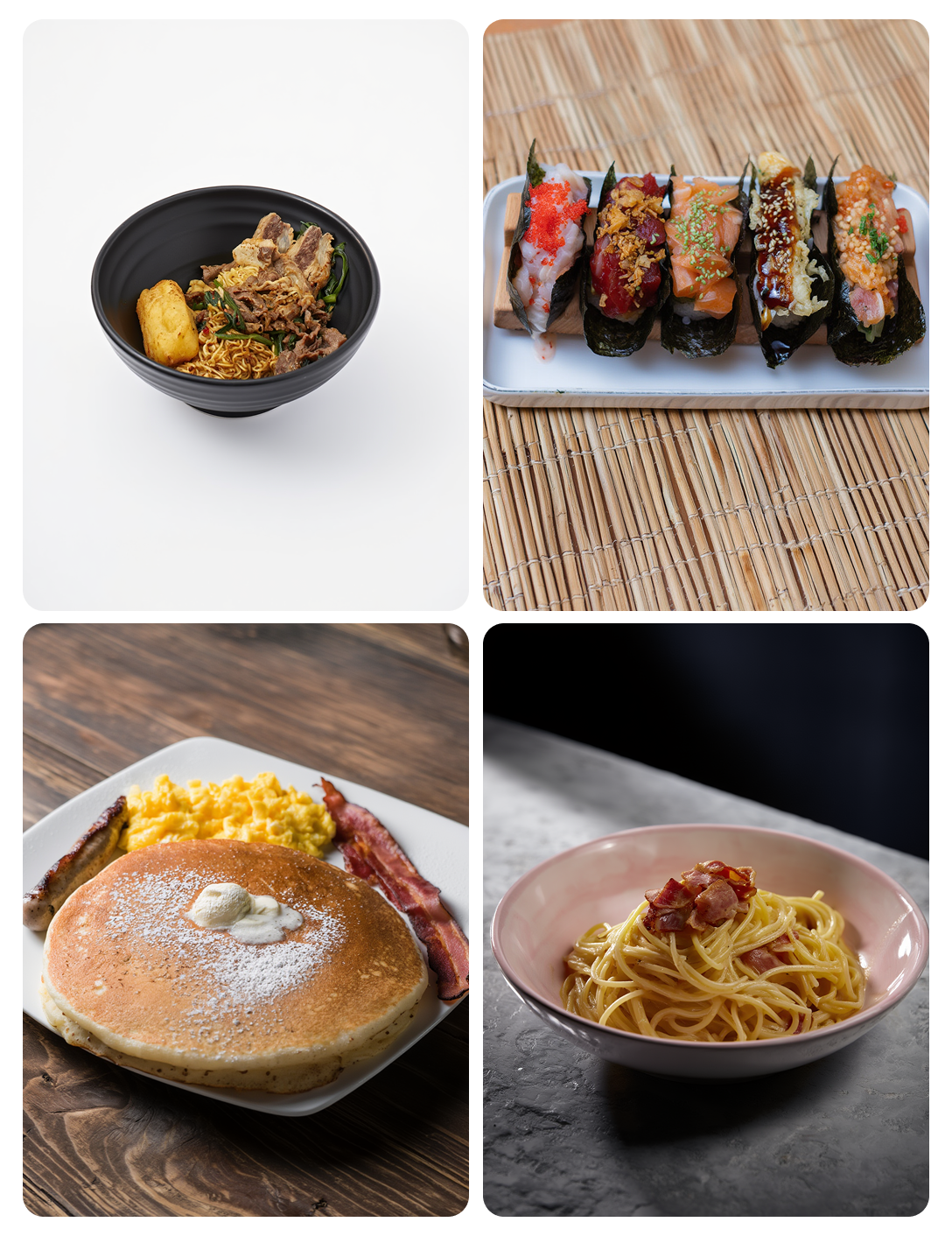
Why Image Specs Matter for Delivery Apps
When you upload a food photo to UberEats, DoorDash, or Grubhub, the platform automatically crops and resizes your image to fit their app layout. If your original photo doesn't match their recommended dimensions, your dish can end up cropped awkwardly — cutting off important parts of the plate or leaving too much empty space.
Getting the image specs right ensures your food looks its best in search results, category pages, and your restaurant's menu page on each platform.
UberEats Photo Requirements
- Recommended size: 1920 x 1080 pixels (16:9 aspect ratio)
- Minimum size: 320 x 320 pixels
- File format: JPEG or PNG
- Max file size: 5 MB
- Background: Clean, uncluttered — solid or simple surfaces preferred
- Content: Only the food item, no text overlays, logos, or watermarks
UberEats displays menu photos as rectangular thumbnails in the app. A 16:9 landscape orientation works best. The platform crops images to square in some views, so keep the main dish centered.
DoorDash Photo Requirements
- Recommended size: 1200 x 800 pixels (3:2 aspect ratio)
- Minimum size: 600 x 400 pixels
- File format: JPEG or PNG
- Max file size: 10 MB
- Background: Simple, no busy patterns
- Content: Single dish per photo, no collages
DoorDash uses a slightly wider aspect ratio than UberEats. They also apply their own compression, so start with a high-quality image to avoid artifacts after processing.
Grubhub Photo Requirements
- Recommended size: 1600 x 1200 pixels (4:3 aspect ratio)
- Minimum size: 800 x 600 pixels
- File format: JPEG or PNG
- Max file size: 5 MB
- Background: Clean, well-lit
- Content: Appetizing, realistic representation of the dish
Grubhub tends to display photos in a 4:3 ratio, making a slightly squarer format work best.
General Best Practices for All Delivery Platforms
Resolution and Quality
Always shoot and export at the highest resolution your phone allows. Most modern smartphones capture at 12MP or higher, which gives you more than enough pixels. Higher resolution source images look better even after platform compression.
Lighting
Well-lit photos perform significantly better on delivery apps. Natural daylight or bright, warm artificial lighting makes food colors pop. Dark, underexposed photos look unappealing in small thumbnail views.
Consistency
Restaurants that use a consistent photography style across all menu items see higher engagement. This means consistent backgrounds, lighting direction, and shooting angles. AI tools like RestoPhoto can help achieve this consistency by generating images with uniform professional styling from any input photo.
What to Avoid
- Text overlays or watermarks — most platforms will reject these
- Collages or multi-item images — use one photo per menu item
- Stock photos — platforms and customers can tell; use real photos of your actual dishes
- Heavy filters — overly saturated or filtered photos look unrealistic and can lead to customer complaints
How RestoPhoto Helps with Delivery App Photos
RestoPhoto generates food images that meet delivery app specs out of the box. When you generate images through RestoPhoto, you can choose from different aspect ratios including square (1:1), landscape (16:9), and portrait formats. Every generated image is high resolution, consistently lit, and ready for upload to any delivery platform.
This eliminates the guesswork around image specs and ensures your menu photos look professional across UberEats, DoorDash, Grubhub, and your own website.
Quick Reference Table
- UberEats: 1920x1080, 16:9, JPEG/PNG, 5MB max
- DoorDash: 1200x800, 3:2, JPEG/PNG, 10MB max
- Grubhub: 1600x1200, 4:3, JPEG/PNG, 5MB max
- Instagram: 1080x1080 (square) or 1080x1350 (portrait)
- Google Business Profile: 720x720 minimum, square preferred
Ready to transform your food photos?
Try RestoPhoto free — turn any phone photo into a professional menu-ready image in seconds.